Automated health-check path
Launch and login, connect to the vehicle, decode VIN, run the Health Check, record data, and print the result.

GTS+ Windows automation, built for service operations
Build custom diagnostic automations tailored to your needs, then let Smart Scan run them hands-free — plug the vehicle in, walk away, and come back to clean scan data, reports, discovered work, and more.
The product
AutOEMate turns repetitive OEM diagnostic steps into one-click, repeatable workflows — so every vehicle gets consistent scans, cleaner documentation, and more discovered work, with less time spent driving the tool.
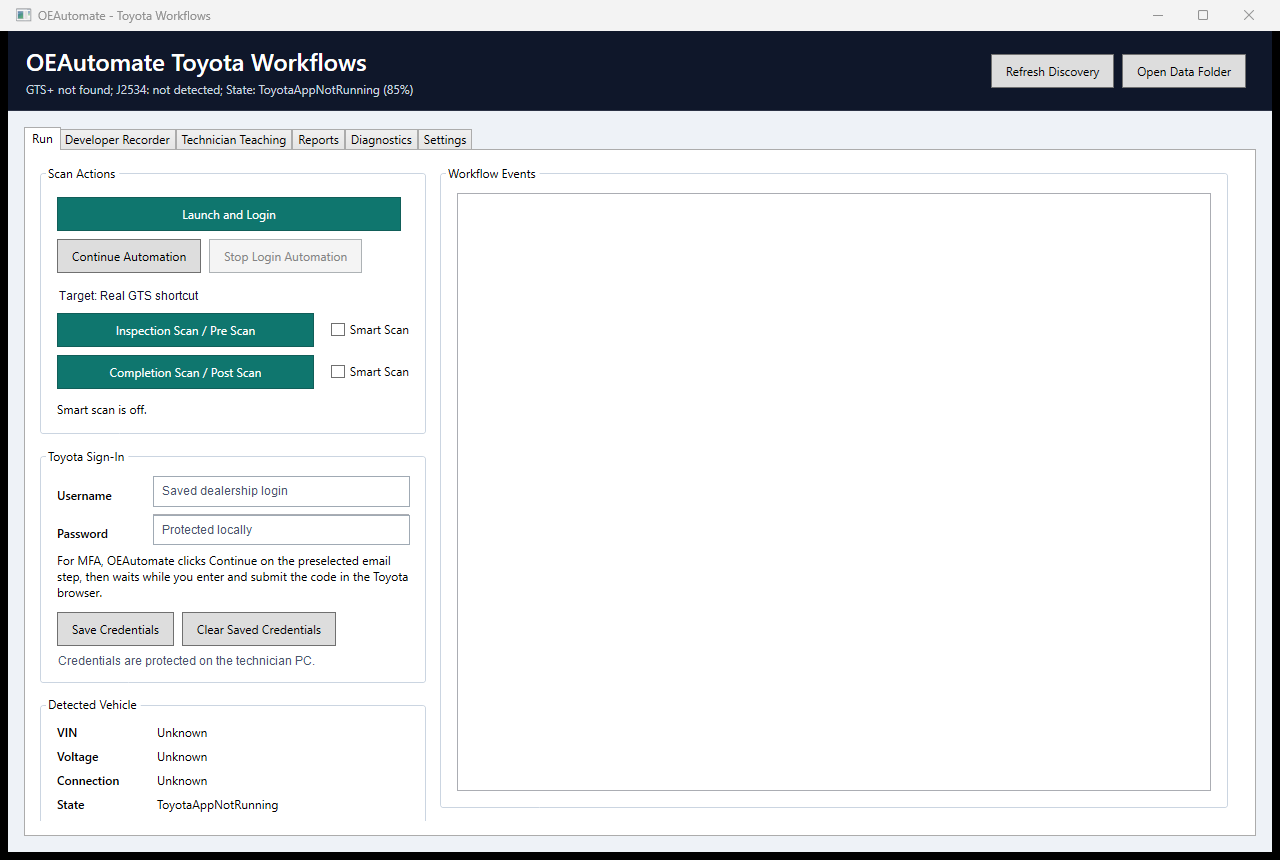
Launch and login, connect to the vehicle, decode VIN, run the Health Check, record data, and print the result.
Record and save automation sequences built around your needs and the exact data you want to capture and document, then launch them in a single click.
Every run is saved locally with its scan data, reports, and notes — giving your team a reliable record to revisit, share, and improve on.
Positioning
Built first for GTS+ service operations, AutOEMate brings OEM workflow automation, faster throughput, and cleaner documentation to any team that lives in factory diagnostic tools — from busy dealership lanes to advanced independent shops.
Reduce diagnostic idle time, standardize scan documentation, and build a clearer ROI story around completed scans and discovered work.
Spend less time clicking through the same OEM screens. Pause, resume, and take over manually when the vehicle or workflow needs judgment.
Use scan results, before-and-after comparisons, and future advisor/customer report styles to explain work with less translation friction.
Workflow story
Dealership value
This is an illustrative calculator for sales conversations. Replace the defaults with real pilot numbers once one store runs actual repair orders through the workflow.
Demo library
Use real OEAutomate GUI recordings here. Keep simulator footage labeled as training or development footage if it ever appears.
Two-minute overview of the Run tab, reporting path, and safety handoffs.
Start, pause, resume, manual takeover, and evidence capture during a scan.
How scan consistency and recovered minutes can become a dealership business case.
Training
Install, save credentials, run a Health Check, recover from VIN or connection issues, and stop safely.
Read scan output, compare inspection and completion results, and explain findings with customer-safe language.
Tablet setup, GTS prerequisites, J2534/Mongoose checks, local data folder, support bundle, and update process.
Free 1-week pilot
Start with a no-commitment, one-week free trial: install the signed Windows app, run real repair orders through it, and see the recovered hours, cleaner documentation, and discovered work for yourself — then decide whether to buy.